

Start with a protein or peptide target and describe the protein you want BoltzGen to design.
Worked example: a binder for GFP
Follow along with the public green fluorescent protein structure PDB 1GFL.
Choose Protein-Anything
Select Protein-Anything under Design Protocol. In this example GFP is the target, and the new molecule will be a protein binder.

The design protocol is set to Protein-Anything. Load the GFP structure
Download 1GFL.pdb from RCSB PDB. Under Protein Structure, select Click to edit, then Upload File(s) and choose the downloaded file.

The expanded Protein Structure panel accepts a PDB file. Review the target chain
After upload, scroll below the structure viewer to the chain list. Genophore shows one selectable GFP chain from this crystal structure. Leave A: GREEN FLUORESCENT PROTEIN selected.
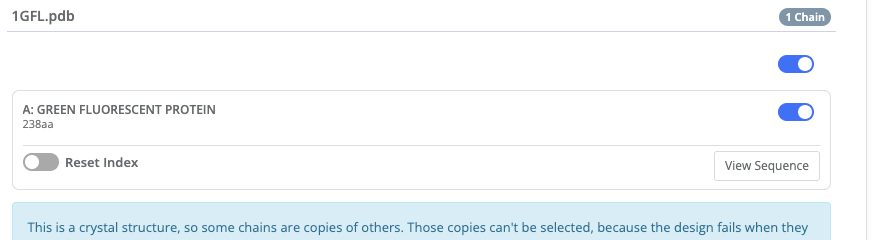
1GFL.pdb with GFP chain A selected. Define the new binder
Expand Binder Protein and select De Novo Sequence. Enter GFP tutorial binder as the sequence name and 60 as the length. Leave Cyclic Sequence unchecked for this linear example. The length illustrates how to fill the form.
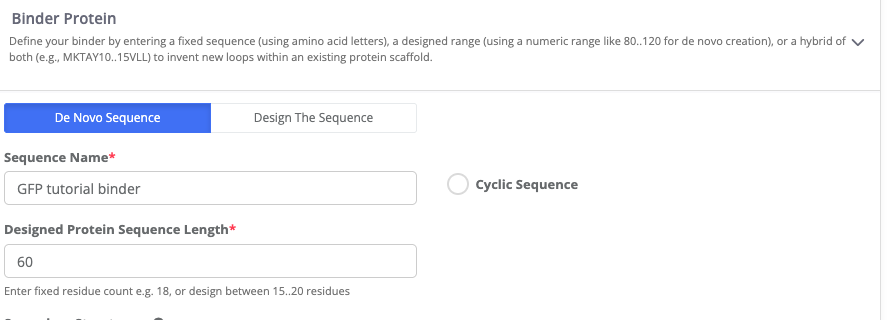
The populated binder form shows the example name, a length of 60, and the cyclic option unchecked. Configure and submit one design
Select Start Generative Design to open the configuration window. For this small example, enter GFP binder tutorial as the structure name. Set Number of Designs, Inverse Fold Sequences Number and Number of Final Designs to 1. Keep the other defaults. Select Start Generative Design again.
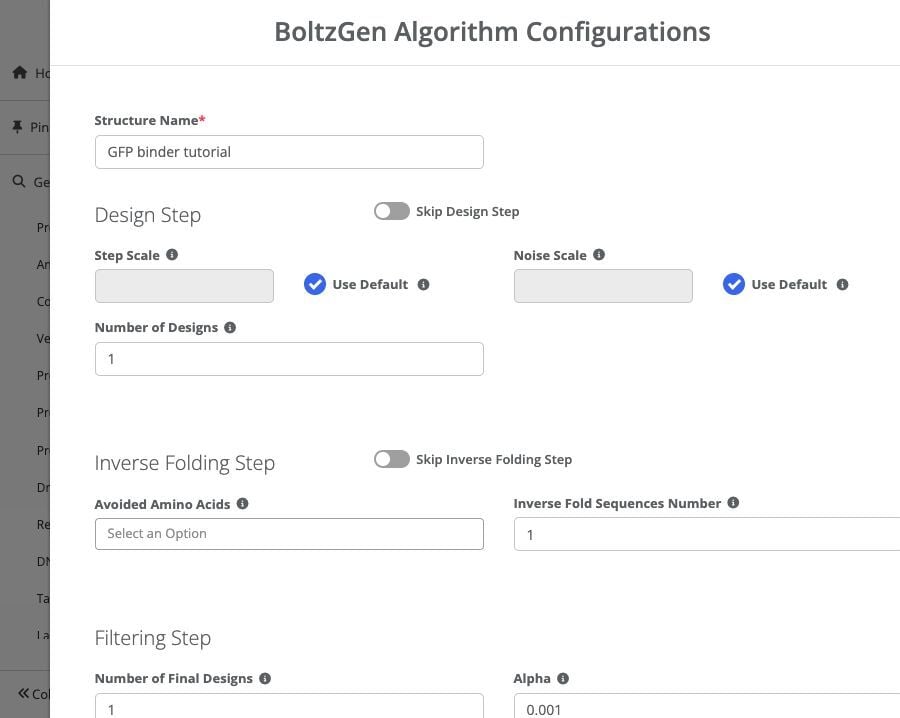
Submission settings for the single-design example. Confirm the estimate and open the operation
Read the estimate in Confirm Credits Usage and select Start Operation when ready. This example showed an estimate of 3.86 credits. In Structures Generative Design Operations, open the ID beside the job name. The Results tab initially shows the queued state.
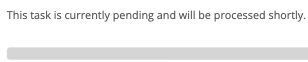
Genophore has accepted the operation and is waiting to process it. Read the result before advancing a candidate
Open the operation’s Results tab. In this example, Genophore reported Task failed after 8 minutes 53 seconds. The page gave no further cause and returned no candidate structure. A completed submission alone does not establish a binder.
The actual final result of the GFP tutorial run. Use Operation Inputs to check the saved target, sequence name, protocol and design counts. If you need support, include the operation ID and the displayed error. Review a new estimate before starting another run.
Cover illustration from experimental PDB coordinates: 1GFL.